Video
To play this video, you need to accept the privacy policy.
Steps
Example Project Used https://stackblitz.com/edit/js-vub9fd?file=index.js
- Find the cause of the infinite loop in the UI (ex: a button click)
- Open the Performance Tab in the DevTools
- Click record

- Fire the event that is causing the infinite loop
- Now click stop recording
But now you will notice that Chrome freezes, and here is the trick

- You will open Task Manager (Windows) or Activity Monitor (MacOS) or System Monitor (Linux).
- Find the Chrome process with the highest CPU Usage and kill it

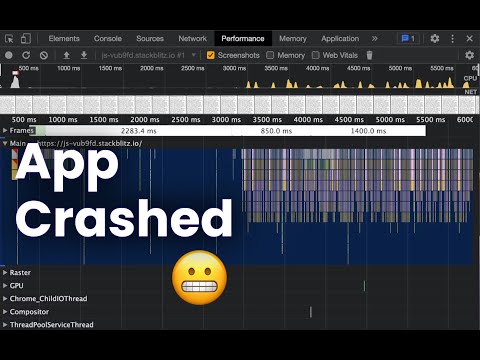
- Now refresh the page again and you can see the Performance chart

From here we need to find the infinite loop patterns and there are two types of them:
- Synchronous Infinite Loops
- Asynchronous Infinite Loops
Synchronous Infinite Loops
They look like a long process that takes forever. All you have to do is to find this process and click on it. In the Summary Tab, you can find the location of this method in the file.

Asynchronous Infinite Loops
This looks more like infinite inverted pyramids. You will see the call stack is always repeated and the repetition never stops.
You now need to find the connection between the top of a pyramid and the base of the following one and this will direct you to where the infinite loop is happening.


It’s a bit tricky to find and you might spend some time to know why it’s happening but the good thing is you know in what region it is happening in the code.